What StoryBook can make
The heart of it is a complete illustrated storybook — written and drawn with your child as the hero. And once you are here, there is more to play with: turn a drawing into an animation, a colouring page, or a printable notebook.
The AI Story Engine
Say what the story should be about and the engine writes it and illustrates every page — or paste your own words and it illustrates those.
Start a story- Ask for a surprise, or steer it with a topic — the engine writes the story.
- Or paste your own text: it is kept word for word, and illustrated.
- One art style across the whole book, with your child as the main character.
- Choose the language the story is written in — it does not have to be the language you are reading this page in.
AI Book Generation — how it starts
Write the story yourself, hand the engine a topic to work from, or ask for a surprise and let it choose.
And several other things
Book generation is the main event, but it is not all this does. One of the others is walked through in full below; the rest are summarised further down the page.
From drawing to animation
Four steps. The original drawing is always kept.
- 1
Upload the drawing
A photo or a scan is fine. Crayon, pencil, felt tip — it does not need to be neat.
The original drawing - 2
Choose a style
Keep it exactly as drawn, or have it redrawn as 3D animated, knitted, felt and plush, or pixel art.
The style chosen - 3
We animate it
Describe the movement you want — drifting smoke, swaying leaves — or leave it to us. Takes under a minute.
The restyled result - 4
Download the video
A short clip of four, six or eight seconds. Yours to keep and to share.
The finished animation
A real example, start to finish — nothing staged.
From drawing to colouring pages
The same upload, a different output.
- 1
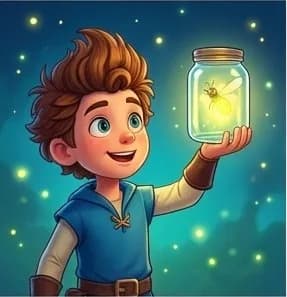
Start from a drawing or an idea
Upload your child’s artwork, or just describe what you would like to colour in.
The original drawing - 2
Pick a difficulty
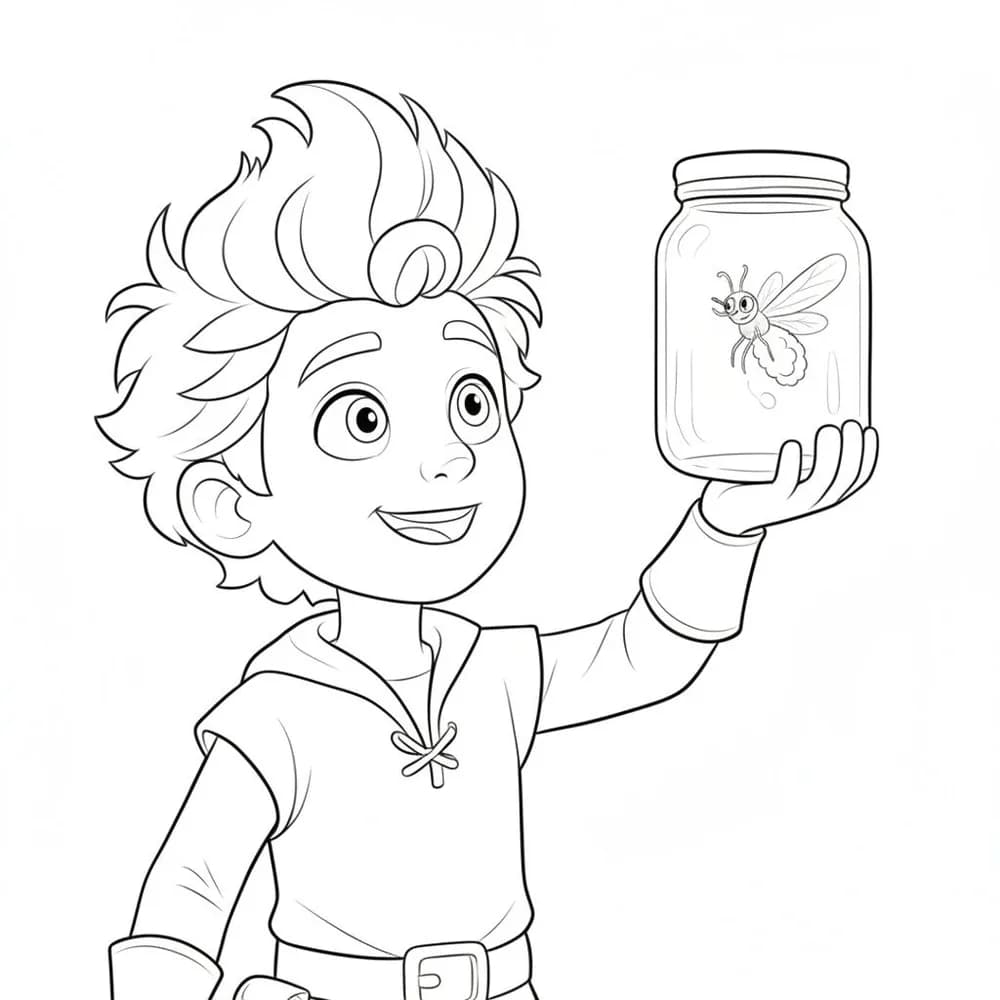
Bold simple outlines for little hands, or finer detail for older children.
Turned into outlines - 3
We draw the outlines
Clean black-and-white line art, built for printing rather than for a screen.
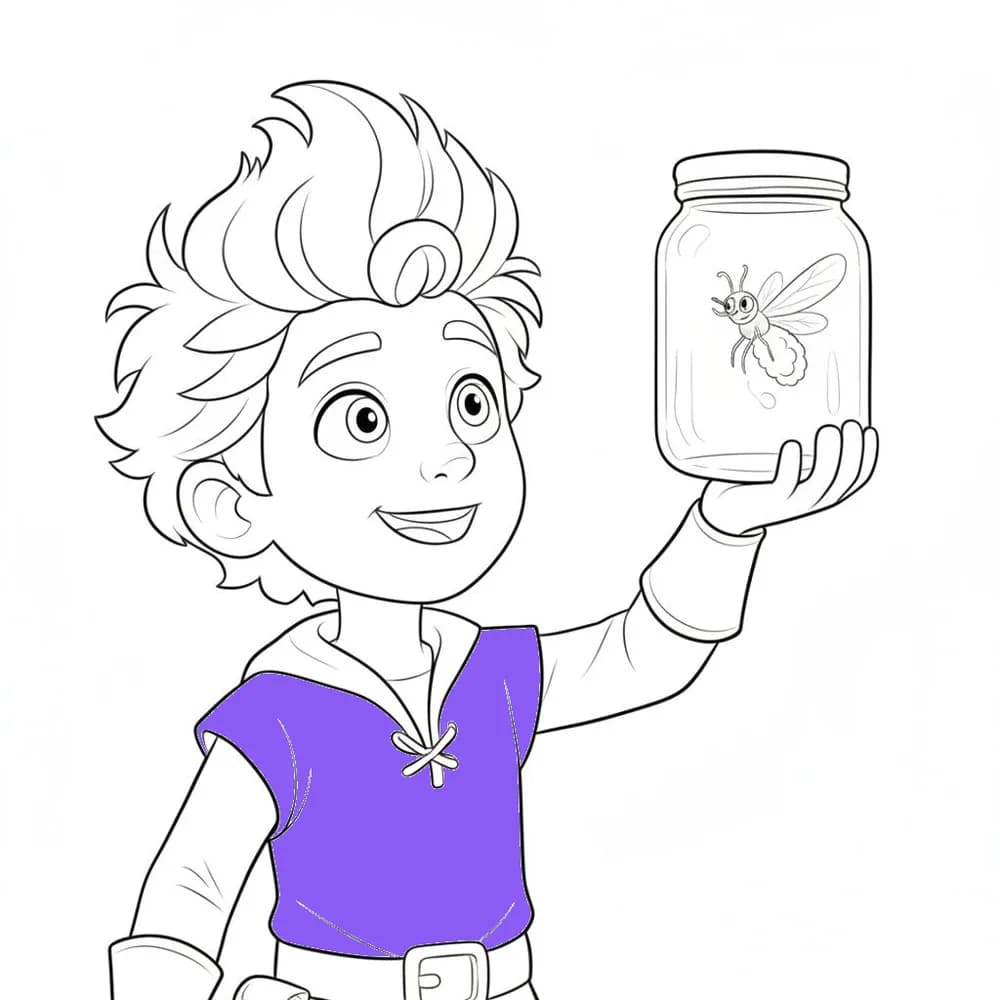
Coloured in
A real example, start to finish — nothing staged.
From a subject to a printable notebook
Ruled pages, matching artwork, and a cover — ready to print.
- 1
Choose the subject
Maths, dictation, story writing. The ruling changes to suit it — squares, handwriting bands, wide lines.
Maths squares, ruled to size - 2
Name a theme
Say what the pages should feature and the illustrations are drawn to match, subject props and all.
A lined page with its own illustration - 3
Add a cover
Your child’s name on the front, a matching back, and a print-ready PDF at a standard notebook size.
The front cover
Real output from the builder at its default settings — nothing staged.
The Book Builder Engine
Bring your own words and your own pictures, and lay the book out page by page. Nothing is written or illustrated for you here — all of it is yours.
- You supply the text and the picture for every page.
- You do the layout: covers, pages, and the order they read in.
- Drop an animated companion character onto a page if you want one.
Or start from a book we already made
Not everyone wants to start from a blank page. Pick a finished story from the gallery and put your child’s name into it.
- A shelf of finished stories, ready to personalise.
- Your child’s name goes into the story.
- The words and the illustrations are the template’s, and stay as they are.
Sample storybooks
Real books made on the platform. Open one and turn the pages — no sign-up, no download.
Loading samples…
Make one for your child
You only pay for what you generate, and the price is shown before you start.
See pricing